
Choose WordPress for content-rich business websites and blogs, Shopify for online stores, Webflow for design-led marketing sites, and a custom build (for example with React or Next.js) when you need features no platform provides. The right choice depends on what your site has to do, who will update it, and how much you expect it to grow, not on which platform is “best”.
How do the platforms compare?
| WordPress | Shopify | Webflow | Custom build | |
|---|---|---|---|---|
| Best for | Business sites, blogs, content | E-commerce | Design-led marketing sites | Unique features, web apps |
| Ease of editing | Good | Very good for products | Good visual editor | Depends on the CMS you add |
| Flexibility | Very high, via plugins | High within commerce | Medium to high | Unlimited |
| Hosting | You choose | Included | Included | You choose |
| Ongoing costs | Hosting, plugins, maintenance | Monthly plan, apps, transaction fees | Monthly site plan | Hosting and developer time |
| Maintenance | Regular updates needed | Mostly handled by Shopify | Mostly handled by Webflow | Your developer’s responsibility |
| Arabic RTL support | Good with the right theme | Possible; check your theme | Possible, needs care | Full control |
When is WordPress the right choice?
WordPress powers a large share of all websites; W3Techs has reported it running over 40% of them. It suits businesses that publish regularly and want full control and ownership. WooCommerce adds e-commerce. The trade-off is maintenance: core, theme and plugin updates are essential for security, so budget for them.
When is Shopify the right choice?
Shopify is built for selling. Hosting, security and checkout are handled for you, and a large app ecosystem covers most needs. It is a strong choice for stores that want to launch quickly and focus on products and marketing. Watch app subscription costs, and check that your preferred payment gateway and language set-up are supported in your country.
When is Webflow the right choice?
Webflow gives designers precise visual control and produces clean, fast marketing sites with a built-in CMS. It suits brands that care about design and want non-technical staff to edit content. It is less suited to complex functionality or very large stores.
When do you need a custom build?
Choose custom development when you need logins, dashboards, complex bookings, unusual integrations, or performance and security requirements that platforms cannot meet. Modern frameworks such as Next.js can deliver excellent speed and SEO. Custom builds cost more up front and depend on developer support, so make sure you own the code and that it is well documented.
How do you decide? Five questions
- Are you mainly selling products online? Start with Shopify or WooCommerce.
- Will you publish lots of content? WordPress or Webflow.
- Is visual design your main differentiator? Webflow or a custom front end.
- Do you need features that don’t exist as plugins or apps? Custom build.
- Who will maintain it? If nobody technical, prefer a hosted platform or a maintenance plan.
SEO works on every platform. Rankings depend on content, speed, structure and technical setup far more than on the platform name. See our technical SEO launch checklist.
Key takeaways
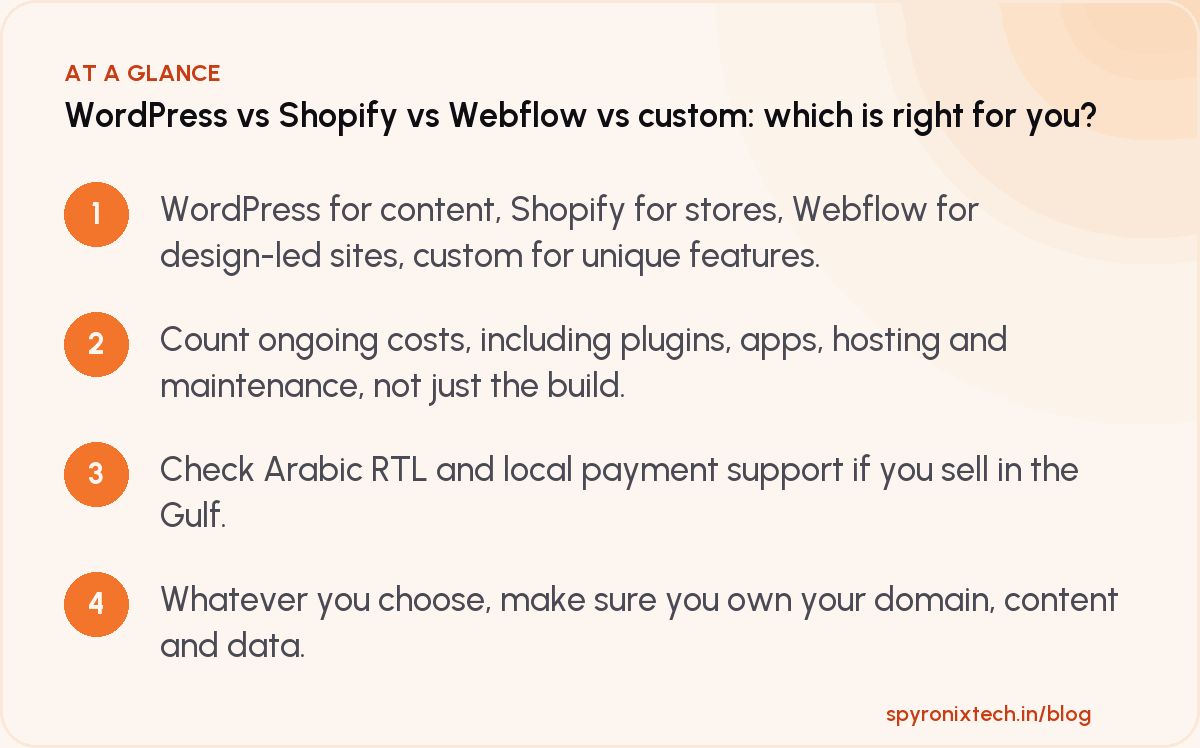
- WordPress for content, Shopify for stores, Webflow for design-led sites, custom for unique features.
- Count ongoing costs, including plugins, apps, hosting and maintenance, not just the build.
- Check Arabic RTL and local payment support if you sell in the Gulf.
- Whatever you choose, make sure you own your domain, content and data.
Frequently asked questions
Can I move platforms later?
Yes, but migrations take work, especially for stores and large sites. Plan URL redirects carefully to protect your rankings. See how to redesign without losing SEO.
Is WordPress secure?
A well-maintained WordPress site with updated software, good hosting and strong passwords is secure. Most problems come from outdated plugins and weak passwords.
Which platform is fastest?
Any of them can be fast or slow. Speed depends more on design choices, images, scripts and hosting than on the platform.
Was this guide useful?
Let us know with a reaction. It's anonymous.
Share it with someone who needs it
Sources
Written by Team Spyronix, Pune. Last reviewed .